
All posts by SystemsNet Administrator

6 Ways You Can Improve Your Company’s IT Help Desk

Young male customer support executive working IT help desk

Is the level of service from your support desk not up to company standards?

We understand how frustrating it is to manage an IT help desk, especially since customers typically only try to contact a company when they are angry, frustrated, or have lots of questions. Although patience and stellar customer service skills are a great foundation, there are many ways you can improve your company’s help desk support team. Below are six different strategies that can make your customers smile and make your department run more efficiently.

Tip #1: Give Your Customers The Right Materials So They Can Help Themselves

Do customers often call in or email your help desk with the same questions about a specific product or service? If you notice there is a pattern about what they are confused about, rewrite the instructions so that it is more clear. Make a list of the most commonly asked questions and upload it to your company’s website. You can also create a forum where customers can post questions and share information with each other. The easier you make it for customers to help themselves, the happier they will be.

Tip #2: Use Gamification to Motivate the Help Desk Support Team

How can implement gamification in the customer service department? Perhaps you can track how many compliments agents receive or their average hold time. Regardless of the metrics you use, gamification can motivate employees to do their best job every day and not be complacent. You can also find ways to reward employees that consistently perform well by celebrating their success and hard work.

Tip #3: Encourage Employees to Ditch The Script and Be Genuine

Your customers are smart. They know when someone is reading a script or saying something they have memorized. One way you can improve your help desk support team is to encourage them to be genuine with customers. Most of them will appreciate the effort.

Tip #4: Take The Time To Know Your Customers

Use software that will allow you to keep track of your customer’s questions or issues. When someone calls in or sends an email, it should be easy for a help desk agent to see if they have contacted the company before and why. They will be able to resolve issues faster and be more personable when they can view the previous tickets and notes written by other help desk agents.

Tip #5: Cultivate An Atmosphere Where Agents Can Collaborate

Another tactic you can use to make your IT help desk better is to create a collaborative atmosphere. When your company encourages teamwork and has a positive and supporting culture, it will make it easier for agents to focus on the customer first instead of their own ego. For example, if an agent doesn’t know how to resolve an issue they can easily ask their coworkers for help without fear of retribution in a collaborative work environment.

Tip #6: Create Customer Service Surveys So You Can See What Your Company Should Work On

Lastly, we recommend that you create and administer customer satisfaction surveys at least once a year to get feedback from your customers. Is there anything they recommend you work on or improve? Closely examine the results and look for patterns. A simple survey with a sliding scale can give you insight into what you can do to make the buying experience better for your customers. You can also place questions on the survey that ask questions about the customer service agent’s attitude, responsiveness, knowledge, and problem-solving ability.

For more information about our help desk support services, please call us at (888) 676-1228 or contact us online today. At SystemsNet, we can take care of monitoring and managing your existing systems so you can focus on your business.
Is It Time For You To Have A Managed Service Provider (MSP)?

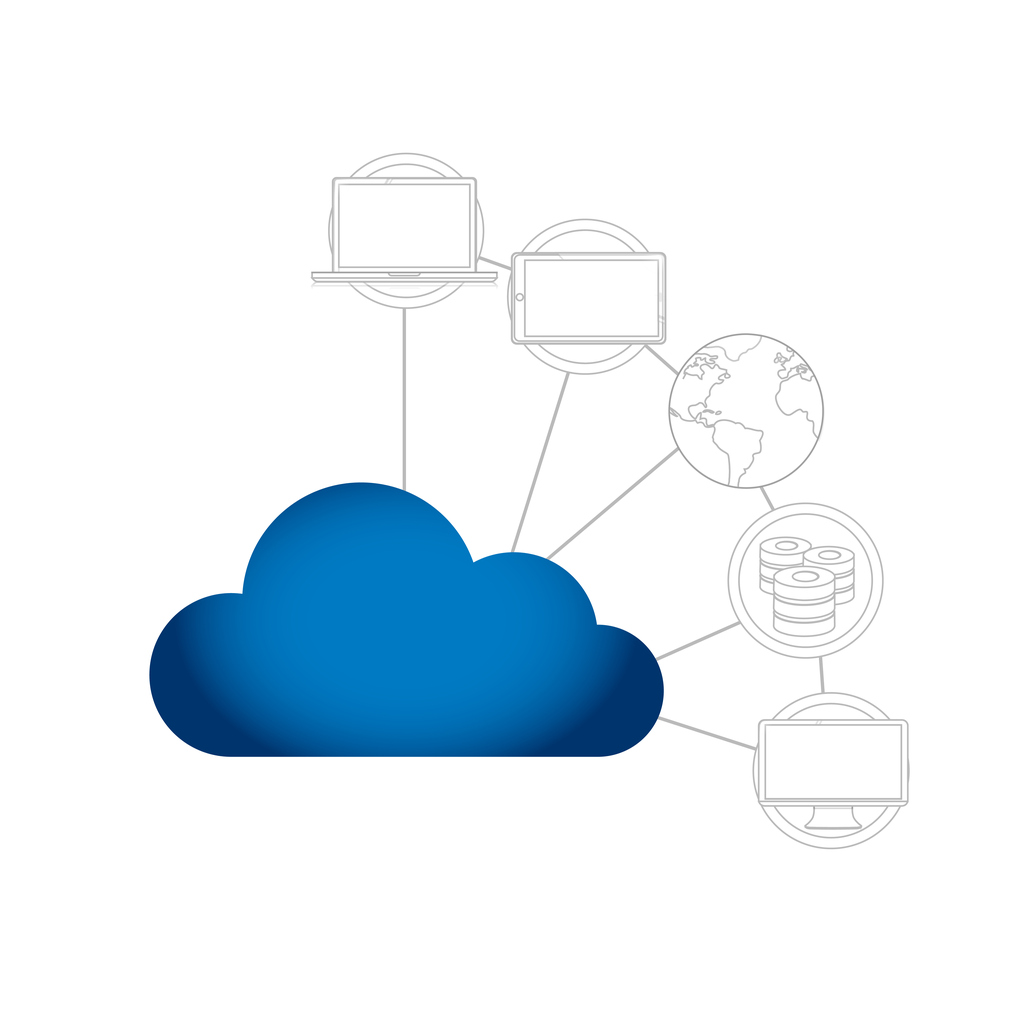
Cloud technology network managed service provider concept

Tired of working on IT issues and not concentrating on tasks that can grow your business?

There are numerous benefits associated with having a managed services provider(MSP), but how will you actually know if now is the time to start outsourcing your IT management? There are some signs to pay attention to when you are ready to find out if you actually need a Managed Services Provider(MSP).

Do You Need A Managed Services Provider(MSP)?

No one wants to walk into their workplace and discover that something is not working with the technology. It does not matter if your business is a small business, a medium-sized business, or a large business; discovering this type of problem can be the difference between having a successful work day and having to find a way to repair the issue that has delayed your business operations.

When you have a team of dedicated professionals on your side providing you with the managed services you need, these issues will eventually be a thing of the past. As you begin to think about your current IT struggles and all the options you have available, we want you to think about making the decision to outsource your services. There are many signs that could mean you are in need of an MSP, including the following:

Multiple Tech Problems

It is not uncommon for businesses to face different IT problems and challenges, especially with all the advances and changes in technology. To reduce the IT problems you may be facing, you can choose to upgrade your technology and ensure you keep data backups. When you back up your data, you should ensure that the backups are accessible in order to reduce technical problems. When you partner with a Managed Services Provider(MSP), you will have the peace of mind you need because your data will be secure at all times and your technology will always be current. You will be able to spend more time on other aspects of your business instead of worrying about the technical issues that may arise.

Limited Finances

If you do not have the finances to hire a team of IT professionals, you will appreciate the affordable option of a Managed Services Provider. Many businesses may only think of an MSP as another thing that requires money, but when you have a team of IT experts on your side, it can turn into a very wise investment. A Managed Services Provider will not be as expensive as employing an IT team that will be in-house.

A Weak Strategy

Every year, your current network will experience multiple changes within the organization and outside the organization. You will need a strong IT strategy that will help your business now and in the future. A strong and secure IT strategy will also help ensure that your business will have long-term success. If you feel that your current strategy is not strong enough to keep up with the IT advancements, now is a good time to consider outsourcing your services.

We know that you want your business to continue growing and that you want to stay on track with the other businesses in your industry. We can also understand how you would like to have an edge over the competition. You are going to need to be able to develop a solid IT strategy and maintain your knowledge of technology and networks. If you are looking for a service that can provide you with efficiency, increased productivity, and efficiency, a Managed Service Provider is the solution you have been searching for.

It does not matter what industry you are in, a Managed Service Provider could be the option that leads you to the level of success you have been searching for. Contact us today for more information.

Backup Disaster Recovery (BDR) Plan: Preparing For The Worst

Backup Disaster Recovery (BDR) Plan concept with laptop on water

Be prepared and you can weather the storm

Recently, multiple sudden natural disasters have left millions of people stranded on roadways, stranded at work, or left in their homes and unable to leave, and without electricity, All of these sudden floods, thunderstorms, hurricanes, etc. should all serve as a reminder that we have to be ready at all times just in case a disaster does strike. Today’s weather is completely unpredictable, and with the winter season approaching, there are sure to be more unpredictable weather on the way.
Regardless of where your business is located, it is always important to have a full Backup Disaster Recovery(BDR) plan in place. If you have an effective BDR in place, you will be able to effectively respond to any type of disaster that takes place. Whether you currently have a Backup Disaster Recovery(BDR) plan in place or not, we encourage you to ask yourself these questions:
What would your business do if you ever lost access to data?
How long do you think it would take for your business to recover from a major loss?
If you no longer had access to your server, would your business be able to survive?
How much do you think it would cost to recover from the loss?
Many businesses do have a backup solution ready just in case a disaster happens, but not every business will be able to recover quickly when something does happen. If your business loses data or if there is a power outage, it can be difficult for some businesses to restart their operations quickly. For some businesses, the entire operations can be shut down if there is no access to the server for less than two days.
When creating a Backup Disaster Recovery plan, it is very important that you start by making preparations for the worst possible thing that can happen. When you start by preparing for the absolute worse, you should have an easier time resolving the issue when something minor occurs.
Are you making plans to have a telecommuting plan in place just in case your employees will need to access business data from a different location? When your employees who have access to the data can obtain the information when needed, this will keep your business from losing revenue. Your employees will be able to access vital business information from their new location until they can gain access to the workplace again.
When your employees are able to use file sync services and cloud services, all employees will be able to do their jobs despite the disaster that took place. The use of these services and technologies can be the difference between losing revenue and bringing in revenue. When employees are equipped with the services they need while they are working from home or another location, they will be motivated and prepared to get their work done every day, regardless of where they are working from.
A BDR plan can save your business from completely losing everything and closing its doors for good. When you back up your data in off-site locations and other locations, you will have your business operating again in little time. You may also be able to run your business from another location.
Do you think it is time to rethink and reevaluate your current BDR plans? Are you ready to develop a Backup Disaster Recovery plan that will allow your business to continue operating despite what type of natural disaster or accident takes place? For more information on backup and disaster recovery plans, please do not hesitate to contact us today for more information. Our team is here to help your business plan for any unforeseen events.

Removing SAVEfiles Virus and Others with Webroot

Hands on a keyboard removing SAVEfiles virus with Webroot

Protecting workstations and servers is critical in preventing downtime

SAVEfiles is a recent high-profile web virus making its rounds on the internet. It is attacking Windows based computers, workstations and servers with the goal of locking out the user and encrypting key files through AES and RSA algorithms. The hackers demand a ransom (in the form of Bitcoin) in order to restore full service. Like the WannaCry virus before it, this is a dangerous malware that should be avoided at all costs. In the case that it has infiltrated your system, there are a few things to know.

Response

First and foremost, users should not under any circumstances actually send the funds to the hackers. Most likely the scammers will not send the encryption key and the victim will simply be out his or her money with no result.

Secondly, even if the hackers send the encryption key, it will most likely be located on another malicious server location. Accessing that server may allow your computer to download or access additional malware. That malware could spread to other people in your network or simply lock additional files on your computer. So it is ideal to avoid this result.

Next, use reimage repair to start over from the beginning with your Windows system. That detects the ransomware and helps to restart and avoid the malware. Finally, use a high quality anti virus tool like Webroot to eliminate the malicious software and free yourself of the damage.

Anti-Virus Tools

In order to solve this dilemma, the best thing to do is apply a Webroot Anti-virus tool. It is an evolution of the well-known Spy Sweeper product. It has a handy “fix it now” feature that does not require the user to do anything but click the button to resolve the problem. At that point, the software will search the entire system for foreign, unauthorized files and eliminate them.

Webroot has a vast library of potential viruses that it can knock out with ease. Additionally, it can detect new files that enter the system if they are not authorized. It will then eliminate those after the user authorizes it.

Webroot has one the Virus Bulletin certification for excellence four times. ICSA labs has also certified it as a dependable anti virus solution for computers and servers. For this reason, many people are willing to rely on it to fix their systems.

The Webroot version 7.0 is the most impressive release yet. This version has much better user interface design. It also divides messages into “Green”, “Yellow” and “Red” so that it is very simple to prioritize. Green means that the system is clear, yellow messages are warnings and red messages indicate a virus must be removed. It also offers automatic periodic scans that are either Quick Sweeps or Full Sweeps.

Other Actions

In the future, there several additional security steps you may take. Firstly, you can purchase a USB stick and keep sensitive files in this device offline. Additionally, you may keep redundant files in different locations on the cloud. That way, if your device is compromised you still can access the important files from another device.

Of course, don’t click on suspicious links or download software from unverified sources. These are the most common sources of viruses online.

Make sure to change passwords every so often so that if the device is compromised once, it won’t continue to be compromised.  Network admins should make sure to have different passwords and authentications for different levels of the network as well.

Get Started

Webroot Antivirus is a leading provider of antivirus tools. They have helped large and small companies attack malicious software and prevent it from infecting an entire network. For more information, please contact us.